Flights booked. Bags packed. Passport ready. But before you step onto a plane or log into airport Wi-Fi, there’s one more thing to prepare: your digital safety. Public Wi-Fi, unfamiliar networks, lost devices, and rushed decision-making create the perfect environment for cybercriminals. A few simple steps before, during, and after your trip can help keep your data, identity, and devices secure.
Before You Travel: Set Up for Safety
Back up your data
- Create backups of important files and photos and store them somewhere secure and separate from your devices.
Update your device and apps
- Install the latest software updates for your operating system, apps, and antivirus software to strengthen security.
Use strong, unique passwords
- Consider using a password manager to create and store strong, unique passwords, tools like Trend Micro’s Password Generator can help you get started.
Disable auto-connect options
- Turn off automatic Wi-Fi and Bluetooth connections to prevent your device from joining unknown or unsafe networks.
Stay Secure While Travelling
Use a VPN on public networks
- A Virtual Private Network encrypts your internet connection, especially important when using Wi-Fi at airports, hotels, or cafés.
Avoid public Wi-Fi for important tasks
- Use mobile data for online banking or accounts containing personal information. If you must use public Wi-Fi, use a VPN and avoid logging into accounts.
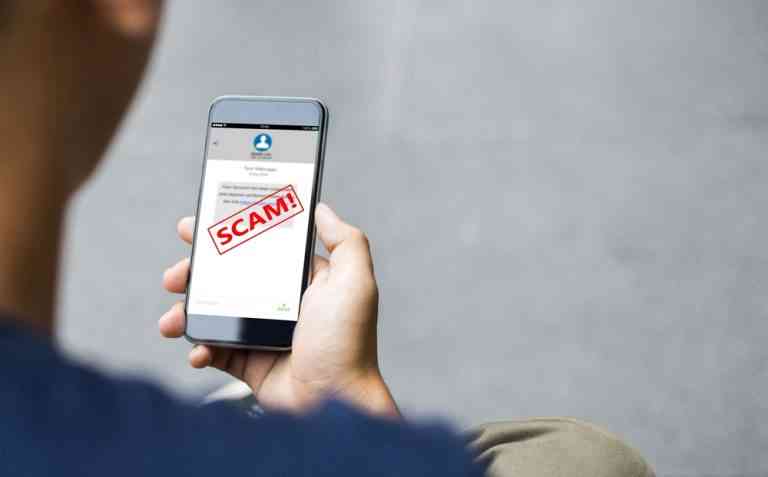
Watch out for suspicious messages
- Scammers target travellers with fake booking updates, flight confirmations, and hotel emails. Always type website addresses directly instead of clicking links.
Protect your devices physically
- Keep devices with you or locked in a hotel safe. Consider using a privacy screen to prevent shoulder-surfing in public areas.
Think before you post
- Avoid sharing your real-time location; it can unintentionally alert people that your home is empty or put your travel schedule at risk.
Be cautious of USB charges
- Public charging stations and unknown USB cables can expose your device to malware. Use your own charger or a USB data blocker when travelling.
After You Return: Check and Reset
Monitor your accounts
- Keep an eye on financial and online accounts for unusual activity during and after your trip.
Log out and change passwords
- Log out of any accounts you accessed while travelling and update passwords if you used public or shared Wi-Fi.
1 Comments
- By Ellen Bailey | January 23, 2026